Marketing Without Leaving Your Editor
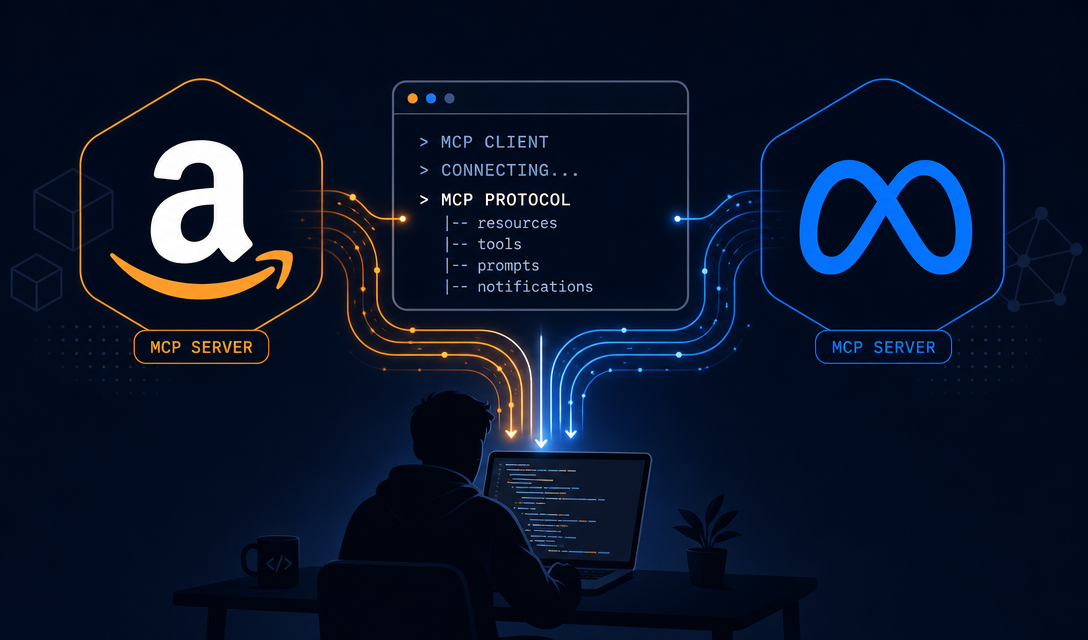
The Model Context Protocol (MCP) is a standard that lets AI systems talk to external tools — databases, APIs, file systems — through a defined interface. Cursor, Claude Code, Codex, and other AI editors support it natively.
VibeCom uses MCP to bring Growth Autopilot directly into your IDE. Instead of opening a dashboard to manage your content marketing, you talk to your editor. Your editor calls the VibeCom MCP server. The growth agent handles the rest.
What MCP Actually Does Here
When you install the VibeCom MCP server in Cursor, your editor gains a set of tools it can call on your behalf:
growth_task— tell the agent a goal in plain English and it runs the full pipelinecreate_material— save a product update, metric, or story directly to your content librarylist_posts— see what's queued for review without opening a browserupdate_post_status— approve or reject posts without leaving your editor
The MCP server authenticates via OAuth 2.1, so your data stays secure and scoped to your account.
Why This Changes the Workflow
Traditional content marketing tools assume you'll open them intentionally. You schedule time to "do marketing." You context-switch out of your product work, fire up a dashboard, write something, format it for each platform, schedule it, then context-switch back.
MCP-based marketing works differently. The growth trigger happens where the product event happens — in your editor.
You ship a feature. You say to Cursor: "We just launched affiliate tracking — capture this as content." Cursor calls create_material, saves the context, and the next morning's generate cron picks it up and turns it into five platform-native posts for your review queue.
You never opened a browser. You never switched contexts. You spent 10 seconds.
Practical MCP Workflows
Recording a product update:
"We just crossed 500 active users. Save this as a launch material for content."
The agent calls create_material with category metric, priority p0. It gets picked up in the next generate run and becomes a LinkedIn post, an X thread, and a blog intro.
Generating a full content batch:
"Run a full content generation pass for this week."
The agent calls growth_task with the generate skill. It reads your materials library, channel personas, recent post history, and generates a week of posts across all your connected channels.
Checking your review queue from the terminal:
"What posts are waiting for my review?"
The agent calls list_posts and summarizes what needs approval, what's scheduled, and what was rejected.
Competitor context:
"What are my competitors doing this week?"
The agent calls list_competitors, runs a web search, and surfaces relevant competitor activity from your radar.
Setting Up MCP in Cursor
- Go to in your VibeCom dashboard.
- Click the Cursor deeplink — it installs the MCP server config automatically.
- Authorize via OAuth. Your VibeCom account is now connected to Cursor.
- Open Cursor, start a new agent session, and try: "What's in my growth queue?"
The full setup takes under 5 minutes. See for a complete walkthrough.
MCP vs Dashboard: When to Use Each
The MCP interface is best for capturing context in the moment — when you ship something, hit a milestone, or want to run a quick batch. It's input-optimized.
The is better for longer review sessions — reading drafts carefully, editing tone, managing your channel settings, and reviewing your content calendar.
Most founders use both: IDE for quick inputs and ad-hoc tasks, dashboard for the daily 5-minute review.
Beyond VibeCom: Why MCP Matters for Founders
MCP is becoming the standard for connecting AI agents to business tools. Linear, Notion, GitHub, Stripe, and dozens of other tools are building MCP servers. The compounding effect: your AI editor gets smarter about your whole business stack, not just your code.
Growth Autopilot's MCP integration is built on this same foundation. As the ecosystem matures, the agent will have access to more of your product context automatically — metrics, customer conversations, changelog entries — without you having to copy-paste anything.
That's the long-term vision: an AI growth agent that knows your product as well as you do, drafts content from that knowledge, and only asks for your 5 minutes when it's time to review.