MCP marketing: your marketing copilot, run from the IDE.
VibeCom exposes Growth Autopilot as an MCP server for Cursor, Claude Code, Codex, and the terminal. Ask your AI marketing agent for drafts, review the queue, and publish — without breaking your building flow. This is marketing for developers, done where you already work.

Your marketing ships while you stay in the build.
You type one line in the same window you write code. The AI marketing agent collects the context behind what you shipped, drafts posts that read like a channel native wrote them, and drops them in a review queue. No tab to open, no blank composer to stare at. You approve in about five minutes a day, and the rest of your week stays yours.
Ask in plain language. The agent does the rest.
There is no new interface to learn. You talk to the marketing copilot the way you talk to your coding agent, and it runs the full pipeline — collect, generate, queue, publish — behind a single request.
1.Connect over MCP
One-click setup in Cursor, VS Code, or Claude Code. OAuth links your account — no API keys to manage, no config file to babysit.
2.Ask your marketing copilot
Type intent in your IDE or terminal. "Draft this week's launch posts" or "Collect marketing materials from my last PR." Plain language, no templates.
3.The agent ships to the queue
Growth Autopilot grounds the draft in your product context, formats it per channel, and queues it. You review, approve, and let it auto-publish.
One command turns a shipped feature into queued drafts.
Terminal marketing means you never context-switch to announce what you built. Run the request next to the code that produced it. The agent reads the product context, drafts a post per channel — X, LinkedIn, blog — and queues all of them in one pass. You stay in flow; the announcement is already written by the time you push.

Already using Cursor or Claude Code? Connect in 30 seconds.
The marketing copilot lives next to your code.
Connect once and a set of MCP tools shows up in your editor's tool list, right alongside everything else your AI agent can do. Ask for a draft, pull the review queue, or kick off research — the agent calls the right tool and reports back inline. No window switch, no copy-paste between a marketing tab and your repo.
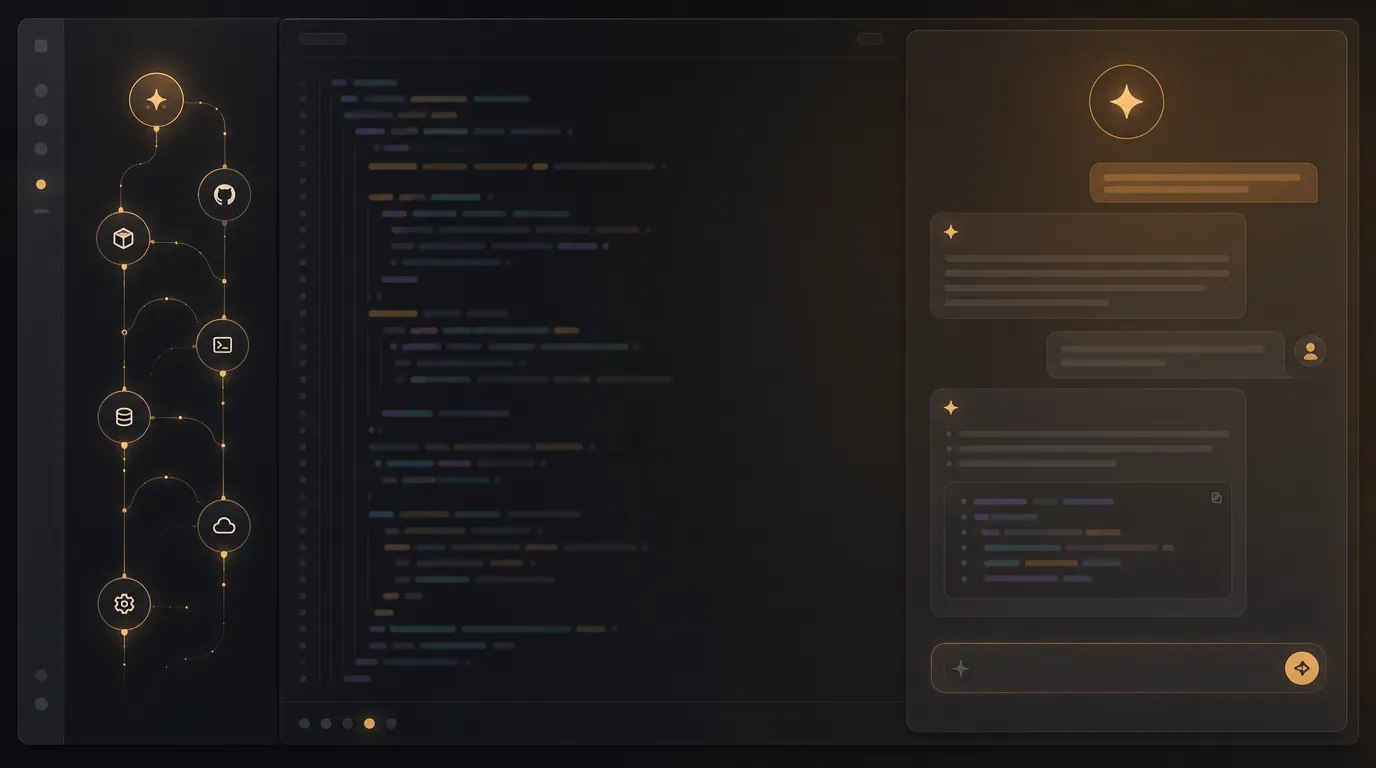
Works where you already code.
Built on the open Model Context Protocol, so it works with any MCP-compatible client today and the ones that ship next.
Post-ready drafts, not a blank composer.
Here is the same shipped feature, drafted for two channels in one request. Each post is grounded in your product context, written in your founder voice, and sized for the platform — short and punchy for X, longer and reflective for LinkedIn. This is what lands in your review queue.
Shipped passwordless auth this week. One less password to forget, one less form to fill. Sign-in now takes a single tap from your inbox. Small change, big difference in the first-run experience. 🔐
We just replaced our entire login flow with passwordless auth. Here's the reasoning: every password field is a drop-off point. For a solo-founder product, the first session has to feel effortless. The result — a magic-link sign-in that respects your time.
See what the agent drafts from your product.
Terminal marketing is one slice of the platform.
The same MCP surface that drafts your posts also mines SEO keywords, monitors your competitors, and pushes approved content to the channels you connect. Everything lands in the same morning review queue, so a single five-minute check covers your whole marketing surface — not just one channel.

"Marketing belongs in the window where you already build."
Why we put marketing for developers in the terminal.
Every marketing tool we tried assumed we would leave the IDE, open a browser tab, and stay there. For a solo technical founder, that tab loses every time. We ship a feature, mean to announce it, and three weeks later it is still unannounced. The tool was never the problem. The context switch was.
So we built the marketing copilot to live on the same protocol our coding agents already use. MCP is the standard, so the marketing agent shows up in Cursor and Claude Code as just another set of tools. You ask for the work in the same breath you would ask for a refactor, and it gets done where you already are.
This is what we mean by vibe marketing. Not another dashboard to discipline yourself into opening, but an AI marketing agent that meets you in the terminal, does the work, and queues it for a review that takes five minutes. The dashboard is still there for setup and approvals — it is just no longer where your day starts.
Marketing for developers who live in the IDE.
MCP marketing is built for one person: the solo technical founder who ships the product, runs the marketing, and never gets around to posting. It assumes you are comfortable in a terminal, that your time is the scarcest resource, and that the best tool is the one you do not have to switch into.
If a screen suits a task better, the web dashboard runs the same workflow end to end. But the daily loop — ask, review, publish — is designed to start and finish where you already build.
Related guides
SEO Agent
How VibeCom finds keyword demand, syncs your pages, and writes page-level fixes your coding agent can apply.
Read guideSolo Founder Marketing Guide
A full marketing system for solo founders with limited time and no dedicated team.
Read guideTurn Product Updates into Social Posts
A practical workflow for converting shipped features into channel-specific content.
Read guideQuestions about MCP marketing
Marketing for developers, without leaving the IDE.
Install the MCP server, ask for growth work from your coding flow, and open the dashboard only when review or setup needs a screen.