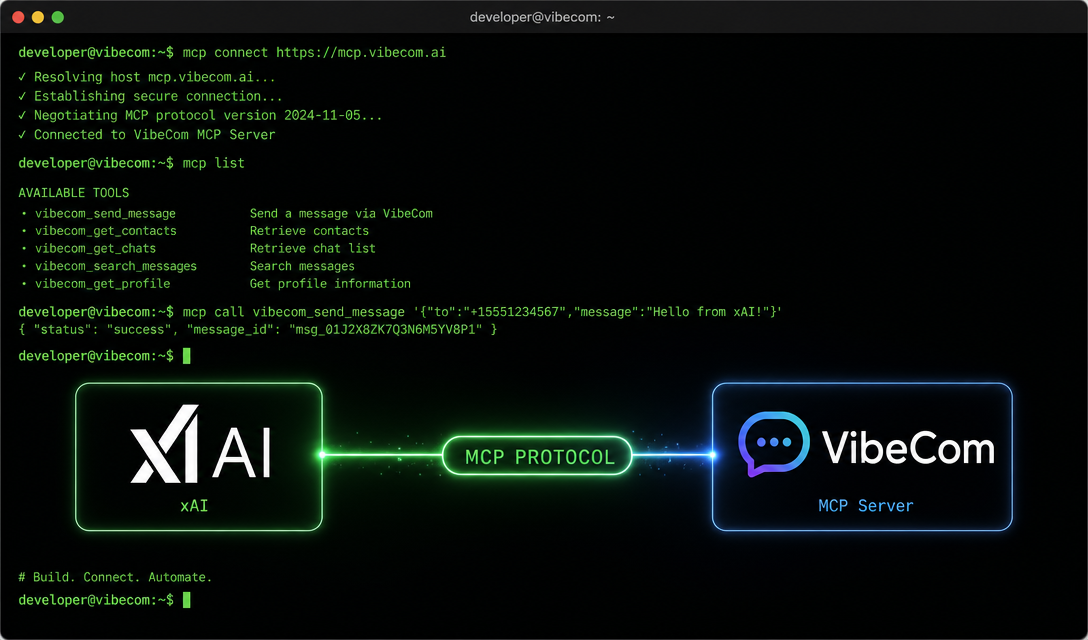
xAI shipped Grok Build, its first terminal-native coding agent. For VibeCom users, the one detail that matters: it supports the Model Context Protocol.
Which means you can connect Grok Build to VibeCom and run your full growth workflow from the same terminal where you write code.
What Grok Build Is
Grok Build sits in the same category as Claude Code and OpenAI's Codex CLI — a terminal-native agentic coding tool that reads your filesystem, edits files, runs shell commands, and handles multi-step work end-to-end without you babysitting each step.
Two design choices stand out from xAI's announcements:
Plan mode. Before touching code, the agent shows you its step-by-step approach. You catch wrong assumptions before files get rewritten — the standard worry with agentic tools.
Multi-model comparison. You can run multiple models side-by-side on the same task and compare outputs directly. Useful if you've ever wasted twenty minutes copy-pasting the same prompt across three different tools trying to figure out which model is actually best for your project.
Specific specs (context window, sub-agent architecture, pricing tiers) are still moving with the beta — check xAI's site for the latest before quoting numbers.
Why MCP Matters Here
Model Context Protocol is the open standard that lets an AI agent in one environment call tools and data in another, without bespoke integrations.
In 2026 this stopped being a niche protocol. GitHub, Linear, Sentry, Notion, HubSpot, Chrome DevTools — most serious developer tools now ship MCP servers. The protocol has converged into the de-facto interface layer between AI agents and external systems.
VibeCom is MCP-native by design. One install, and any MCP-compatible client — Cursor, Claude Code, VS Code with MCP extensions, and now Grok Build — talks to VibeCom the same way.
How VibeCom Works Inside Grok Build
Setup is a one-time OAuth flow. Sign in at vibecom.app, open /docs/growth-autopilot/mcp-setup, and add the MCP server to Grok Build the same way you'd add it to Cursor or Claude Code. The token is user-scoped, so it carries across every MCP client you use.
Once connected, you talk to VibeCom through Grok Build the way you'd talk to any agent — in plain language.
"Write a build-in-public update from the PR I just merged."
"Turn yesterday's postmortem into an X thread."
"Queue three LinkedIn posts about the new onboarding flow."
VibeCom drafts each one in the channel's native voice, grounded in your product context, and drops it into your review queue. You don't think about which platform, which tone, or what format — that's already wired into the channel persona you set up once.
The practical workflow: finish shipping a feature in your terminal, stay in the terminal, ask Grok Build for the post. A few minutes later, drafts show up in your queue. You spend five minutes the next morning approving or editing.
No context switch. No dashboard tab. No copy-pasting between tools.
Grok Build vs. Claude Code for VibeCom Users
Both support MCP. Both work with VibeCom identically once connected. The differences that actually matter:
Maturity. Claude Code has been in production over a year. Grok Build is early beta. For daily growth workflows that ship public content, that reliability gap matters.
Model choice. Claude Code runs Claude. Grok Build runs Grok and, per xAI, lets you compare against other models on the same task. If you want to A/B test which model writes better content for your channels, Grok Build's comparison mode is the natural place to do it.
Cost. Both are still adjusting pricing tiers — verify current rates before deciding.
For most VibeCom users today: keep using whatever's already in your environment. The MCP server is identical from VibeCom's side. If you specifically want to compare model output for content generation, Grok Build is worth a test.
What This Says About Where the Stack Is Going
The story isn't Grok Build specifically. It's the pattern.
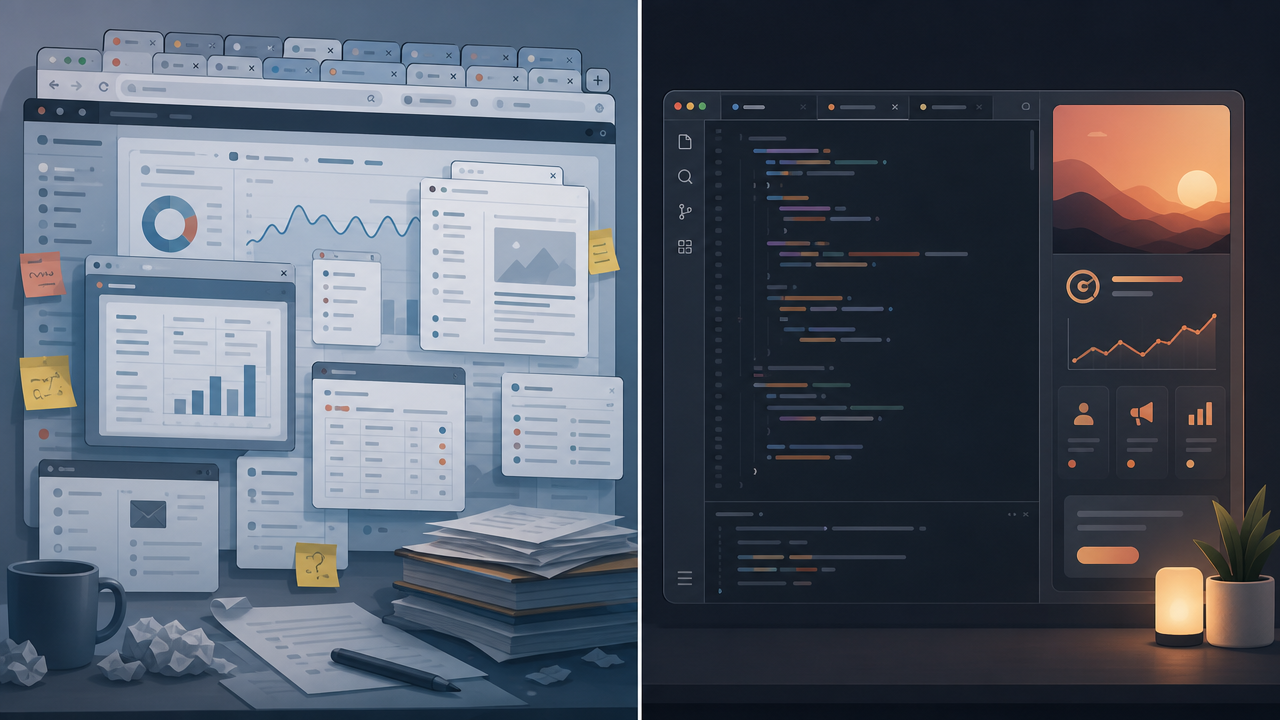
Every serious developer tool in 2026 is going agentic, multi-model, and MCP-native. The CLI and the IDE are becoming the operating layer for more than just code — they're where distribution happens too.
That's the bet behind VibeCom. Growth work shouldn't need a separate dashboard, a separate workflow, or a context switch every time you ship. It should live where the builder already lives.
Another MCP-compatible agent joining the ecosystem is a small data point. The direction is the point.
Grok Build is in early beta — availability and pricing change frequently; check xAI's site for the current state. Free VibeCom accounts can connect MCP; content generation is on Pro and Growth tiers. One install at /docs/growth-autopilot/mcp-setup works across every MCP-compatible client — Grok Build included.