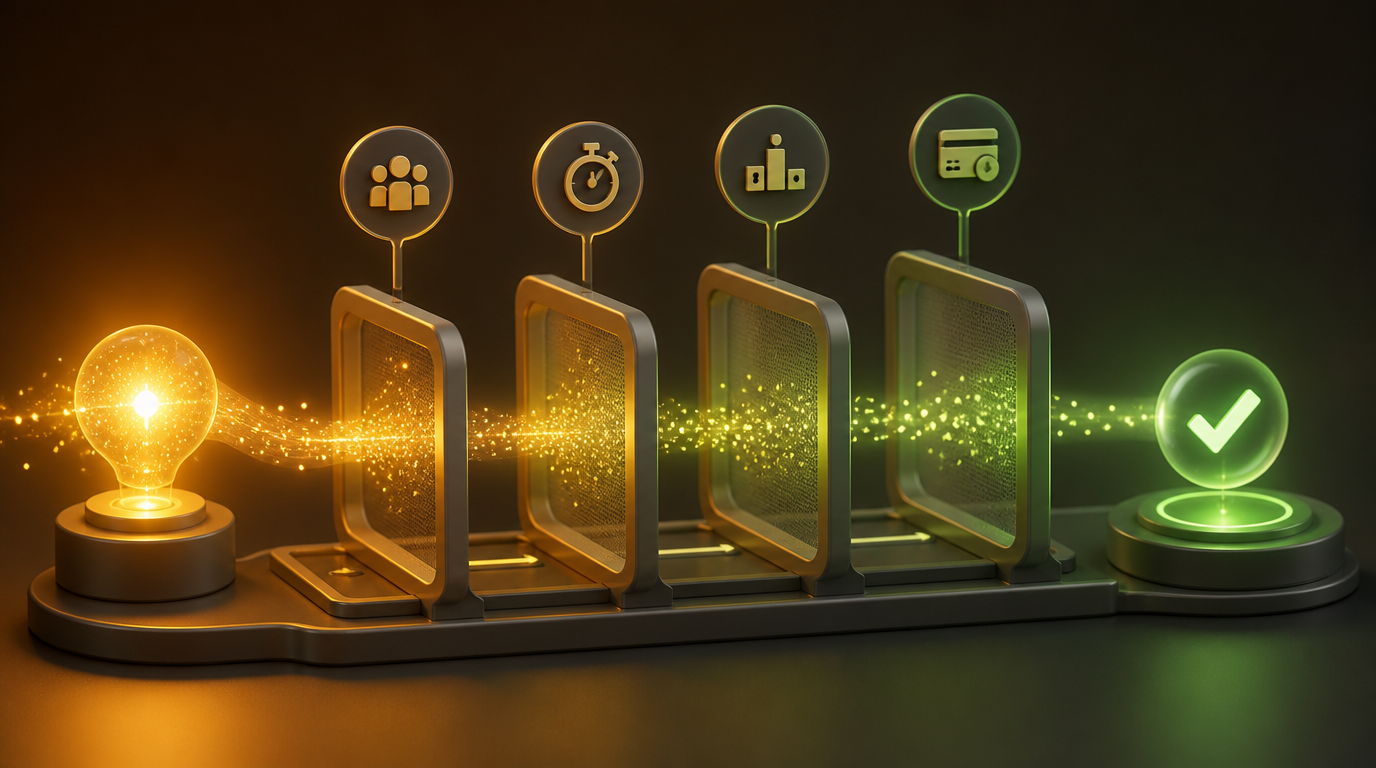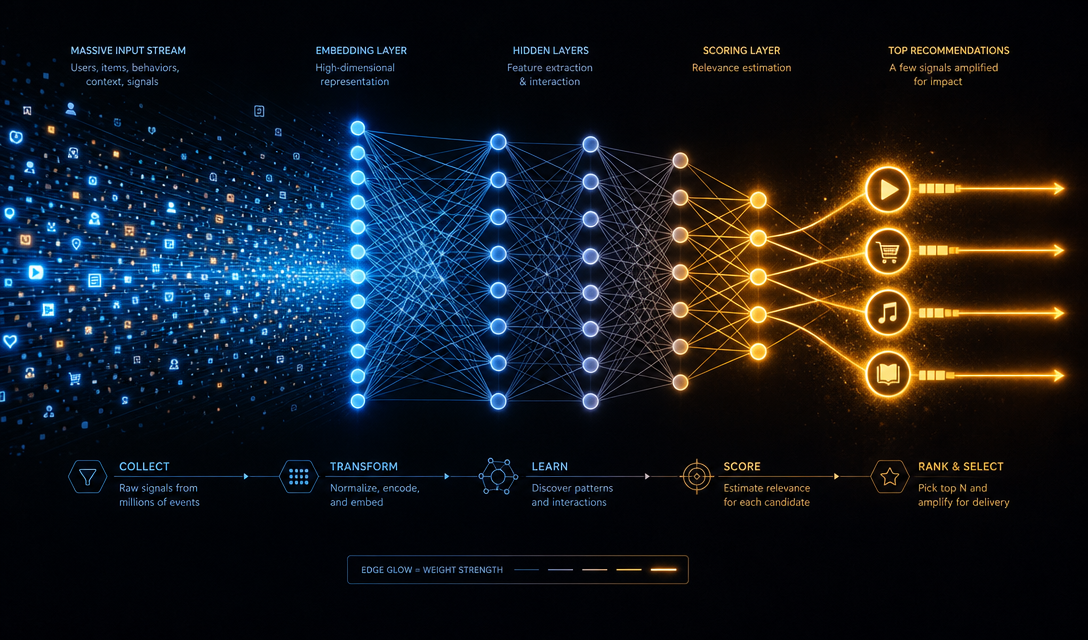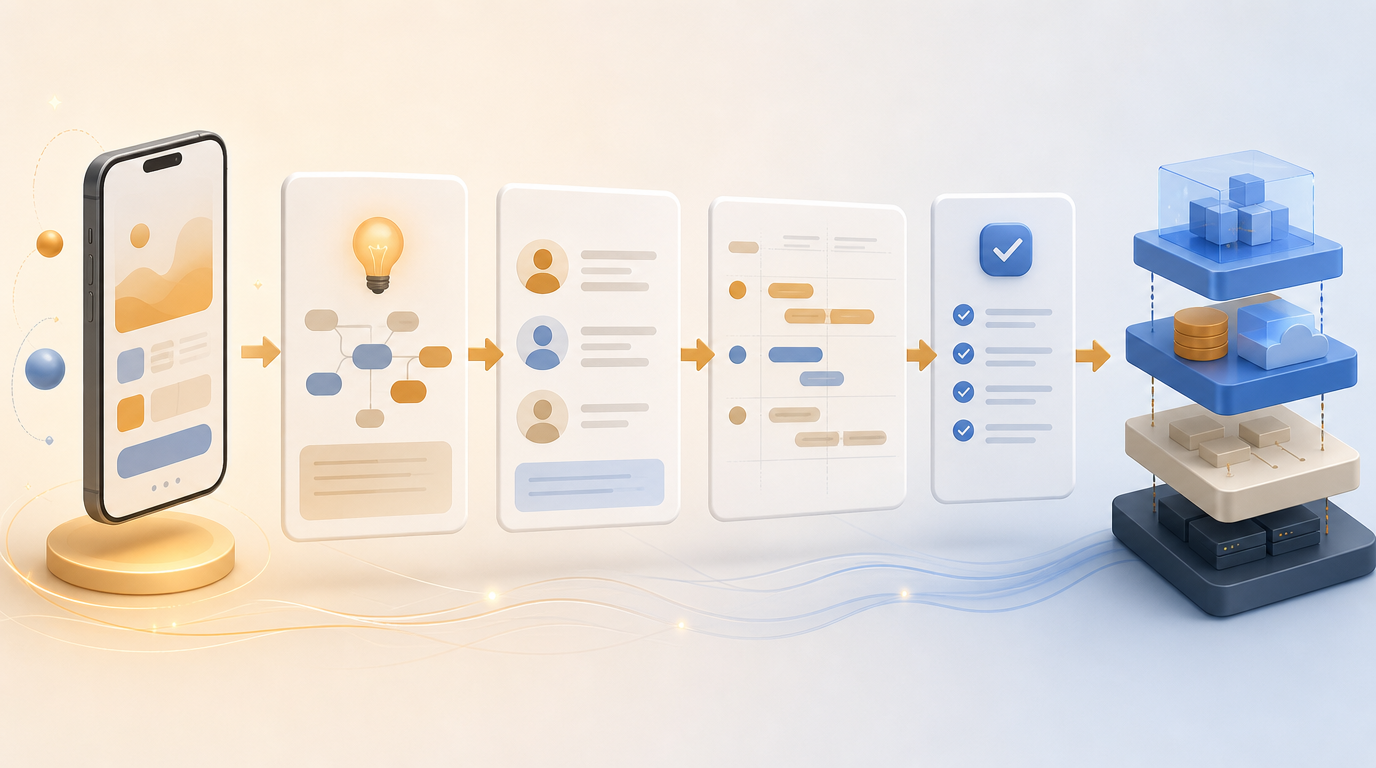
You have an app idea. You're excited. You want to build.
But if you skip straight to writing code (or prompting an AI to write it for you), you're setting yourself up for expensive rework, feature creep, and a product that doesn't quite do what you envisioned.
The solution is a PRD — a Product Requirements Document. It sounds corporate and boring, but for solo founders and vibe coders, a good PRD is the difference between shipping in weeks and spinning your wheels for months.
This guide walks you through how to write one, even if you've never done it before.
What Is a PRD?
A Product Requirements Document defines what you're building, for whom, and why — before anyone writes a single line of code.
It's not a technical spec. It's not a business plan. It's a shared source of truth for your product decisions.
A good PRD answers:
- What problem does this product solve?
- Who is the user?
- What does the user need to do?
- What does the MVP include (and explicitly exclude)?
- What does success look like?
Why You Need One Before You Build
For traditional developers: A PRD prevents scope creep and ensures you're building the right thing, not just the thing that seemed obvious at 2am.
For vibe coders using Cursor, v0, or Bolt: Your prompts will be dramatically better when you have a clear PRD. AI coding assistants work best when you can describe what you want precisely. Vague prompts produce vague code.
For solo founders: A PRD forces you to make decisions upfront — what's in the MVP, what's phase 2, what you're explicitly not building — so you don't keep adding features before you've shipped anything.
The 7-Part PRD Template
Here's a simple, proven PRD structure for app ideas:
Part 1: Problem Statement
One paragraph that answers: What problem does this app solve? Who has the problem? How painful is it today?
Example:
Independent consultants track their client projects across 3–4 different tools (email threads, Google Docs, spreadsheets, and Slack). There's no single place to see project status, upcoming deliverables, and client communication in one view. They spend 2–3 hours per week just keeping these systems in sync.
Be specific about the pain. "People need better project management" is too vague. "Independent consultants lose track of client deliverables because they're spread across too many tools" is a problem.
Part 2: Target User
Define exactly who you're building for.
Include:
- Role/job title or demographic
- Technical sophistication
- How they currently solve this problem
- What they care most about
Example:
Primary user: Independent consultants (freelancers, coaches, agency owners) with 3–10 active client relationships. Not highly technical — comfortable with SaaS tools but not developers. Currently using a mix of Notion, Google Docs, and their email inbox.
Part 3: Goals and Non-Goals
This is the most important part of any PRD. It forces you to decide what you're not building.
Goals (what the MVP must do):
- Allow users to create client workspaces
- Show all projects, tasks, and communications per client in one view
- Send weekly status summary emails to clients automatically
Non-goals (explicitly out of scope for v1):
- Native mobile app (web only at launch)
- Team collaboration (single user only)
- Time tracking or invoicing
- CRM features
Non-goals prevent scope creep. Every time someone (including yourself) says "we should also add X," you can check whether X is in or out of scope.
Part 4: User Stories
User stories describe features from the user's perspective. They follow the format:
As a [user type], I want to [action] so that [benefit].
Examples:
- As a consultant, I want to create a client workspace so that I have one place for all information about that client.
- As a consultant, I want to see all open tasks for a client at a glance so that I never miss a deliverable.
- As a consultant, I want to send a weekly update email to my client so that they stay informed without me manually drafting it.
Write 5–15 user stories for your MVP. Each one becomes a feature or flow you need to build.
Part 5: MVP Scope
Translate your user stories into a concrete feature list. Categorize each feature as:
- Must-have (MVP): The product doesn't work without this
- Should-have (v1.1): Important but not blocking launch
- Nice-to-have (future): Enhancements for later
Example:
| Feature | Priority |
|---|---|
| Client workspace creation | Must-have |
| Project & task management | Must-have |
| Weekly status email | Must-have |
| Client portal (client-facing view) | Should-have |
| Mobile app | Nice-to-have |
| Time tracking | Nice-to-have |
Ship the must-haves first. Add the rest after you have real users giving feedback.
Part 6: Success Metrics
How will you know if this product is working?
Define 2–3 measurable metrics:
- Activation rate: % of signups who create their first client workspace within 7 days
- Retention: % of users active in week 4
- Core action completion: % of users who send at least one weekly status email
These metrics guide product decisions after launch. If activation is low, your onboarding needs work. If retention drops at week 4, something isn't sticky enough.
Part 7: Open Questions
Document the things you don't know yet:
- Should client workspaces be shareable with clients, or internal only?
- What integrations are most valuable for the launch (Slack? Google Calendar?)
- What's the pricing model — per workspace, per user, or flat fee?
You don't have to answer these before building, but writing them down ensures you make intentional decisions rather than stumbling into them.
Writing a PRD for Vibe Coding
If you're using Cursor, v0, Claude, or another AI coding tool, your PRD becomes your master prompt context.
Instead of describing your app vaguely in every prompt, paste your PRD into the context. Now the AI knows:
- What the app is for
- Who the user is
- What's in scope and out of scope
- What the core user flows are
This dramatically improves output quality and consistency. The AI isn't guessing what you want — it knows.
Tip: Include your PRD at the top of your project's CLAUDE.md or equivalent context file so it's always available.
How Long Should a PRD Be?
For a solo founder or vibe coder: 1–3 pages is ideal. Long enough to be clear, short enough to stay current.
Enterprise PRDs can be 50+ pages. You don't need that. You need enough clarity to start building confidently and enough flexibility to adapt as you learn.
Let AI Write Your First Draft
Staring at a blank PRD template is intimidating. AI can help you get from zero to first draft in minutes.
generates PRDs from your app idea description. Describe what you want to build, and get a structured product spec with:
- Problem statement and target user definition
- User stories for the core flows
- MVP scope with feature prioritization
- Success metrics
- Technical architecture considerations
Use the generated PRD as your starting point, then refine it based on your specific knowledge and constraints.
Next Steps After Your PRD
Once you have a PRD:
- Validate the problem — Talk to 5–10 potential users before building
- Wireframe the core flows — Sketch the UI for your must-have features
- Break down the MVP into sprints — What can you ship in 2 weeks?
- Start building — With your PRD as the spec
The PRD isn't the destination. It's the foundation that makes everything else faster.